Any harness, any model#
The limitation removed: your Claude couldn't be anything but Claude, and your work lived inside whichever vendor you started with.
Harnesses, not a harness#
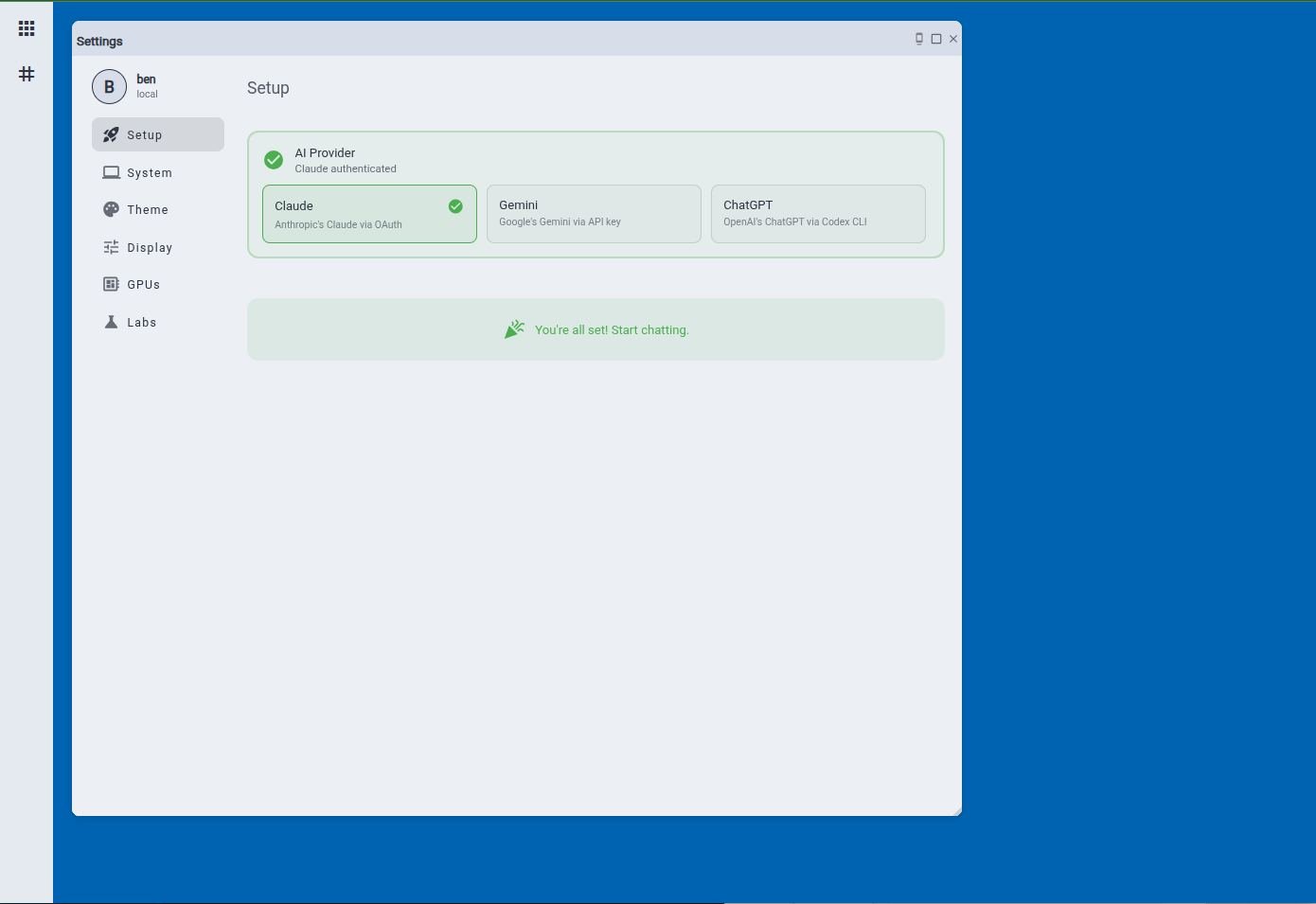
A harness is the runtime loop around a model: the thing that reads a prompt, calls tools, and keeps a session. Claude Code is one. Codex CLI and Gemini CLI are others. LIT runs them. It does not reimplement one.
| What LIT spawns | Vendor | Runs as |
|---|---|---|
| Claude Code | Anthropic | Your Claude subscription, or an Anthropic API key |
| Codex CLI | OpenAI | A ChatGPT Team login, or an OpenAI API key |
| Gemini CLI | A Google API key | |
Antigravity (agy) |
A Google sign-in | |
| Ollama | you | Local models on your own GPU, no credential at all |
| OpenAI-compatible endpoints | DeepSeek, Together, Fireworks, Groq, OpenAI | An API key |
The choice not to be a harness is what makes the billing story work. A homegrown loop calling the vendor's API can only be paid for by the token. The vendor's own harness, run as you, on your machine, is exactly what a Claude Max or ChatGPT Team seat is for. So on LIT a subscription seat and a pay-per-token key are two entries in the same credential pool, usable by the same agents, in the same channels, on the same record.
The pool and the picker#
Every credential you hold unlocks the models it can reach. Together they are your model pool, and the picker shows it as one list: model · credential, with the credential as a property of the row. An agent is bound to one pair. A channel can override it, so the same agent answers in #research on one model and in #support on a cheaper one.
Switching is a menu change. The next message picks up where the last one left off, with the channel history, the uploaded files and the memory all still there, because they live in LIT and not in the vendor's session. Replies carry an attribution header so the record shows which model said what. You never re-brief. You never re-upload.
Each agent's tab shows how much of its seat's quota it has used, so you can see a seat running low before it runs out and move to another. Local models always show green.
More than one model in the room#
Several agents can share a channel, each on a different model and harness. One owns the channel and answers by default; mention another with @name and it answers in the same thread with the same history. Put a hard question to two models side by side, and both answers are in the record.
Models under policy#
A team decides which providers and models its members may use. The policy is a list per provider: exact model ids, or families such as family:claude-opus, which reads as "Claude Opus, any version" and keeps working when the vendor ships a new one. Deny wins. A member picking a model outside the list sees a plain refusal naming the rule. With no policy, nothing changes. Seats & Policy →
The credential pool#
Your credentials appear in one pool, each with its vendor, its mode (subscription or API key), its status, and where it bills. A credential scoped to a team bills only there.
Team seats show up in the same pool with a chip. A team seat is a slot the admin created for a vendor: you sign in with your own account and the seat is yours. A team key is an API key the admin holds; you never see it, your agents just work. Either can be marked required, so a new member sees exactly which sign-in is waiting for them and nothing else.
Seats or tokens#
Most teams start on subscriptions they already pay for: each person signs in with their own seat and the agents bill to it. When the accountant is ready for pay-per-token, an admin adds an API key as a team key and points the policy at it. The agents, the channels, the memory and the record do not move. Some teams run both, subscriptions for people and keys for the agents that work overnight, and the usage ledger shows the spend either way.
Related#
- Agents: where the model and harness are set
- Seats & Policy: allow-lists, budgets, seats
- Desktop: local models and local files, same workplace